
eSIM
€0Free
- Where you get it
- Installed from the Lidl Plus app
- Best for
- Unlocked phones with eSIM; compatible tablets
- Keeping your number
- Install it after the transfer completes
- Not for
- Smartwatches

You can get Lidl Connect in two ways: a free eSIM installed in the Lidl Plus app, or a physical SIM card for €0.99 that is sold only in Lidl stores. Check which one your phone takes in the list of 115 phones below, then follow the steps, as a short walk-through or one step at a time.
Choose the eSIM if your phone supports it: it is free, set up in the Lidl Plus app, and you never need to visit a shop. Choose the €0.99 physical SIM if your phone has no eSIM, or if you often move your SIM between phones. You can switch type later with Change my SIM in the app.
€0Free
€0.99one-off
A phone bought on contract may be locked to its network: ask that provider to unlock it first.
Lidl gives iOS 16 for iPhone and Android 9 for Samsung as the minimum.
Use the phone check below, or look in your settings for an option to add an eSIM.
You can change type later in the app with Change my SIM.
Type your phone model to see whether it takes an eSIM, a physical SIM or both, and whether it meets Lidl's minimum system. Lidl publishes no list of phones, so these 115 models come from Apple, Samsung, Google, Xiaomi, OnePlus and Motorola's own pages for the version sold in Ireland or Europe.
No match. Try just the number (13, S24), or check your settings as below.
This phone takes both. You can also buy the €0.99 physical SIM in a Lidl store.
Whatever the SIM, the phone must be unlocked.
Source: Apple: Find out which type of SIM your iPhone or iPad uses (checked 2026-10-11)
See the eSIM steps ↓| Phone | Takes |
|---|---|
| iPhone 18 Pro | eSIM + SIM · Irish versions take both; models bought in the US, Canada, Mexico, Japan, the UAE, Saudi Arabia and some other countries take eSIM only. |
| iPhone 18 Pro Max | eSIM + SIM · Irish versions take both; models bought in the US, Canada, Mexico, Japan, the UAE, Saudi Arabia and some other countries take eSIM only. |
| iPhone Air | eSIM only · eSIM only in every country. |
| iPhone 17 | eSIM + SIM · Irish versions take both; models bought in the US, Canada, Mexico, Japan, the UAE, Saudi Arabia and some other countries take eSIM only. |
| iPhone 17 Pro | eSIM + SIM · Irish versions take both; models bought in the US, Canada, Mexico, Japan, the UAE, Saudi Arabia and some other countries take eSIM only. |
| iPhone 17 Pro Max | eSIM + SIM · Irish versions take both; models bought in the US, Canada, Mexico, Japan, the UAE, Saudi Arabia and some other countries take eSIM only. |
| iPhone 17e | eSIM + SIM · Irish versions take both; models bought in the US, Canada, Mexico, Japan, the UAE, Saudi Arabia and some other countries take eSIM only. |
| iPhone 16 | eSIM + SIM · Irish versions take both; models bought in the United States have no SIM tray and take eSIM only. |
| iPhone 16 Plus | eSIM + SIM · Irish versions take both; models bought in the United States have no SIM tray and take eSIM only. |
| iPhone 16 Pro | eSIM + SIM · Irish versions take both; models bought in the United States have no SIM tray and take eSIM only. |
| iPhone 16 Pro Max | eSIM + SIM · Irish versions take both; models bought in the United States have no SIM tray and take eSIM only. |
| iPhone 16e | eSIM + SIM · Irish versions take both; models bought in the United States have no SIM tray and take eSIM only. |
| iPhone 15 | eSIM + SIM · Irish versions take both; models bought in the United States have no SIM tray and take eSIM only. |
| iPhone 15 Plus | eSIM + SIM · Irish versions take both; models bought in the United States have no SIM tray and take eSIM only. |
| iPhone 15 Pro | eSIM + SIM · Irish versions take both; models bought in the United States have no SIM tray and take eSIM only. |
| iPhone 15 Pro Max | eSIM + SIM · Irish versions take both; models bought in the United States have no SIM tray and take eSIM only. |
| iPhone 14 | eSIM + SIM · Irish versions take both; models bought in the United States have no SIM tray and take eSIM only. |
| iPhone 14 Plus | eSIM + SIM · Irish versions take both; models bought in the United States have no SIM tray and take eSIM only. |
| iPhone 14 Pro | eSIM + SIM · Irish versions take both; models bought in the United States have no SIM tray and take eSIM only. |
| iPhone 14 Pro Max | eSIM + SIM · Irish versions take both; models bought in the United States have no SIM tray and take eSIM only. |
| iPhone 13 | eSIM + SIM |
| iPhone 13 mini | eSIM + SIM |
| iPhone 13 Pro | eSIM + SIM |
| iPhone 13 Pro Max | eSIM + SIM |
| iPhone 12 | eSIM + SIM |
| iPhone 12 mini | eSIM + SIM |
| iPhone 12 Pro | eSIM + SIM |
| iPhone 12 Pro Max | eSIM + SIM |
| iPhone 11 | eSIM + SIM |
| iPhone 11 Pro | eSIM + SIM |
| iPhone 11 Pro Max | eSIM + SIM |
| iPhone SE (3rd generation) | eSIM + SIM |
| iPhone XS | eSIM + SIM |
| iPhone XS Max | eSIM + SIM |
| iPhone XR | eSIM + SIM |
| iPhone SE (2nd generation) | SIM only · No eSIM: nano-SIM only. |
| iPhone X | SIM only · No eSIM: nano-SIM only. It does run iOS 16. |
| iPhone 8 | SIM only · No eSIM: nano-SIM only. It does run iOS 16. |
| iPhone 8 Plus | SIM only · No eSIM: nano-SIM only. It does run iOS 16. |
| iPhone 7 | Too old |
| iPhone 7 Plus | Too old |
| iPhone 6s | Too old |
| iPhone 6s Plus | Too old |
| iPhone SE (1st generation) | Too old |
| Galaxy S25 | eSIM + SIM |
| Galaxy S25+ | eSIM + SIM |
| Galaxy S25 Ultra | eSIM + SIM |
| Galaxy S25 FE | eSIM + SIM |
| Galaxy S24 | eSIM + SIM |
| Galaxy S24+ | eSIM + SIM |
| Galaxy S24 Ultra | eSIM + SIM |
| Galaxy S24 FE | eSIM + SIM |
| Galaxy S23 | eSIM + SIM |
| Galaxy S23+ | eSIM + SIM |
| Galaxy S23 Ultra | eSIM + SIM |
| Galaxy S22 | eSIM + SIM |
| Galaxy S22+ | eSIM + SIM |
| Galaxy S22 Ultra | eSIM + SIM |
| Galaxy S21 | eSIM + SIM |
| Galaxy S21+ | eSIM + SIM |
| Galaxy S21 Ultra | eSIM + SIM |
| Galaxy S20 | eSIM + SIM · Hybrid tray: the second slot takes a SIM or a microSD card. |
| Galaxy S20+ | eSIM + SIM · Hybrid tray: the second slot takes a SIM or a microSD card. |
| Galaxy S20 Ultra | eSIM + SIM · Hybrid tray: the second slot takes a SIM or a microSD card. |
| Galaxy Z Fold7 | eSIM + SIM |
| Galaxy Z Flip7 | eSIM + SIM |
| Galaxy Z Fold6 | eSIM + SIM |
| Galaxy Z Flip6 | eSIM + SIM |
| Galaxy Z Fold5 | eSIM + SIM |
| Galaxy Z Flip5 | eSIM + SIM |
| Galaxy Z Fold4 | eSIM + SIM |
| Galaxy Z Flip4 | eSIM + SIM |
| Galaxy A56 | eSIM + SIM |
| Galaxy A55 | eSIM + SIM |
| Galaxy A36 | eSIM + SIM · Samsung lists eSIM for the European, North American and Korean versions; Irish phones are European versions. |
| Galaxy A35 | eSIM + SIM · Samsung lists eSIM for the European, North American and Korean versions; Irish phones are European versions. |
| Galaxy A26 | SIM only · No eSIM on UK and Irish versions (some have it only in North America or Japan). |
| Galaxy A25 5G | SIM only · No eSIM on UK and Irish versions (some have it only in North America or Japan). |
| Galaxy A16 5G | SIM only · No eSIM on UK and Irish versions (some have it only in North America or Japan). |
| Galaxy A15 | SIM only · No eSIM on UK and Irish versions (some have it only in North America or Japan). |
| Galaxy A15 5G | SIM only · No eSIM on UK and Irish versions (some have it only in North America or Japan). |
| Pixel 10 | eSIM + SIM · European versions take both; US versions take eSIM only. |
| Pixel 10 Pro | eSIM + SIM · European versions take both; US versions take eSIM only. |
| Pixel 10 Pro XL | eSIM + SIM · European versions take both; US versions take eSIM only. |
| Pixel 10 Pro Fold | eSIM + SIM |
| Pixel 9 | eSIM + SIM |
| Pixel 9 Pro | eSIM + SIM |
| Pixel 9 Pro XL | eSIM + SIM |
| Pixel 9 Pro Fold | eSIM + SIM |
| Pixel 9a | eSIM + SIM |
| Pixel 8 | eSIM + SIM |
| Pixel 8 Pro | eSIM + SIM |
| Pixel 8a | eSIM + SIM |
| Pixel 7 | eSIM + SIM |
| Pixel 7 Pro | eSIM + SIM |
| Pixel 7a | eSIM + SIM |
| Pixel 6 | eSIM + SIM |
| Pixel 6 Pro | eSIM + SIM |
| Pixel 6a | eSIM + SIM |
| Xiaomi Redmi Note 13 (4G) | SIM only · The SIM line of the spec page lists no eSIM. The 4G and 5G versions are different phones. |
| Xiaomi Redmi Note 13 5G | SIM only · The SIM line of the spec page lists no eSIM. The 4G and 5G versions are different phones. |
| Xiaomi Redmi Note 13 Pro (4G) | SIM only · The SIM line of the spec page lists no eSIM. The 4G and 5G versions are different phones. |
| Xiaomi Redmi Note 13 Pro 5G | eSIM + SIM |
| Xiaomi Redmi Note 14 (4G) | SIM only · The SIM line of the spec page lists no eSIM. The 4G and 5G versions are different phones. |
| Xiaomi Redmi Note 14 Pro (4G) | SIM only · The SIM line of the spec page lists no eSIM. The 4G and 5G versions are different phones. |
| Xiaomi Redmi Note 14 Pro 5G | eSIM + SIM |
| Xiaomi 14 | eSIM + SIM |
| Xiaomi 14T | eSIM + SIM |
| Xiaomi 15 | eSIM + SIM |
| OnePlus 12 | eSIM + SIM |
| OnePlus 13 | eSIM + SIM |
| OnePlus Nord 4 | SIM only · The Irish spec page lists dual nano-SIM and no eSIM. |
| Motorola moto g85 5G | eSIM + SIM |
| Motorola motorola edge 50 | eSIM + SIM |
| Motorola moto g54 5G | Check version · Motorola's German spec page lists an eSIM; its Italian and Spanish pages list two nano-SIMs. |
Open Settings › Mobile Service (or Mobile Data). If you see "Add eSIM", your iPhone supports eSIM. A SIM tray on the side means it also takes a physical SIM.
Open Settings › Connections (or Network) › SIM manager. An option to add an eSIM or download a SIM means your phone supports eSIM. Menu names differ between makers.
Look up your exact model on the maker's specifications page: one model can come in different versions in different countries. Whatever the SIM, the phone must be unlocked; see Lidl Connect eSIM for unlocking rules.
Pick a route. With a physical SIM you first buy the €0.99 card in a Lidl store, then sign up in the Lidl Plus app. With an eSIM everything happens at home in the app. Either way you choose your SIM, keep your number or get a new one, pay with Lidl Pay, then install it.




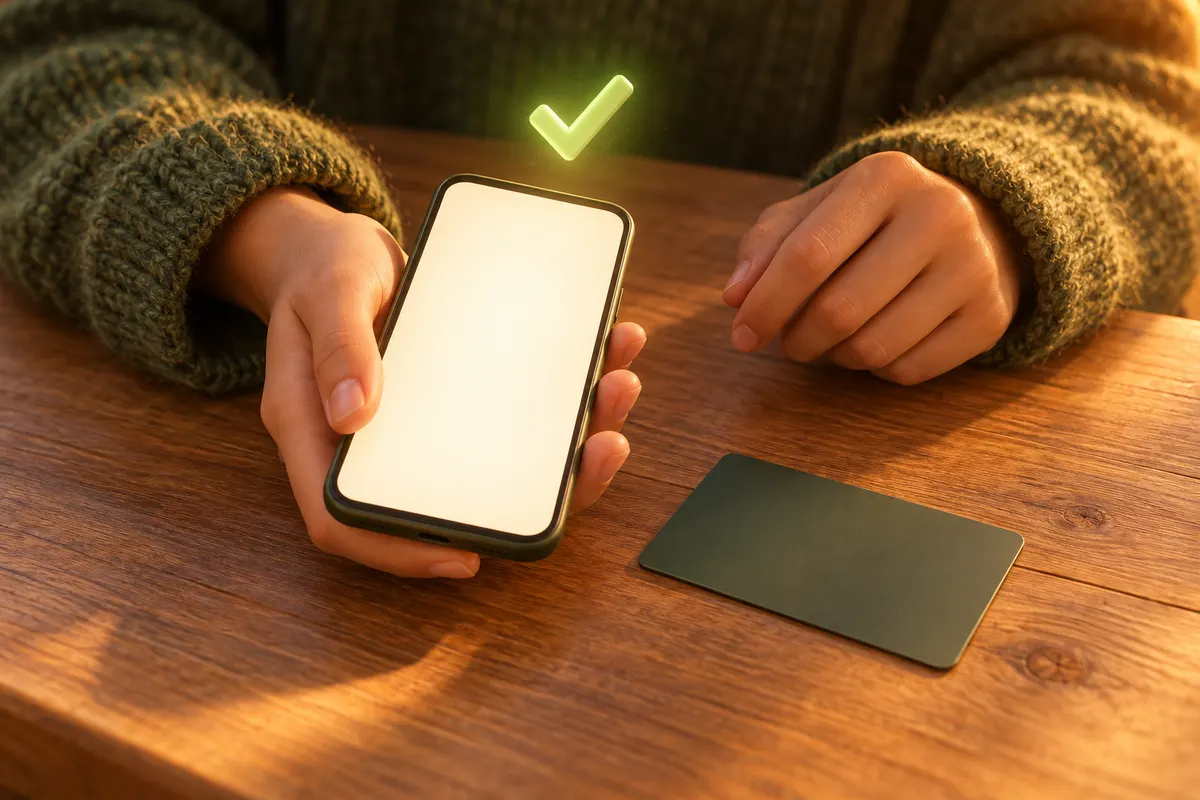
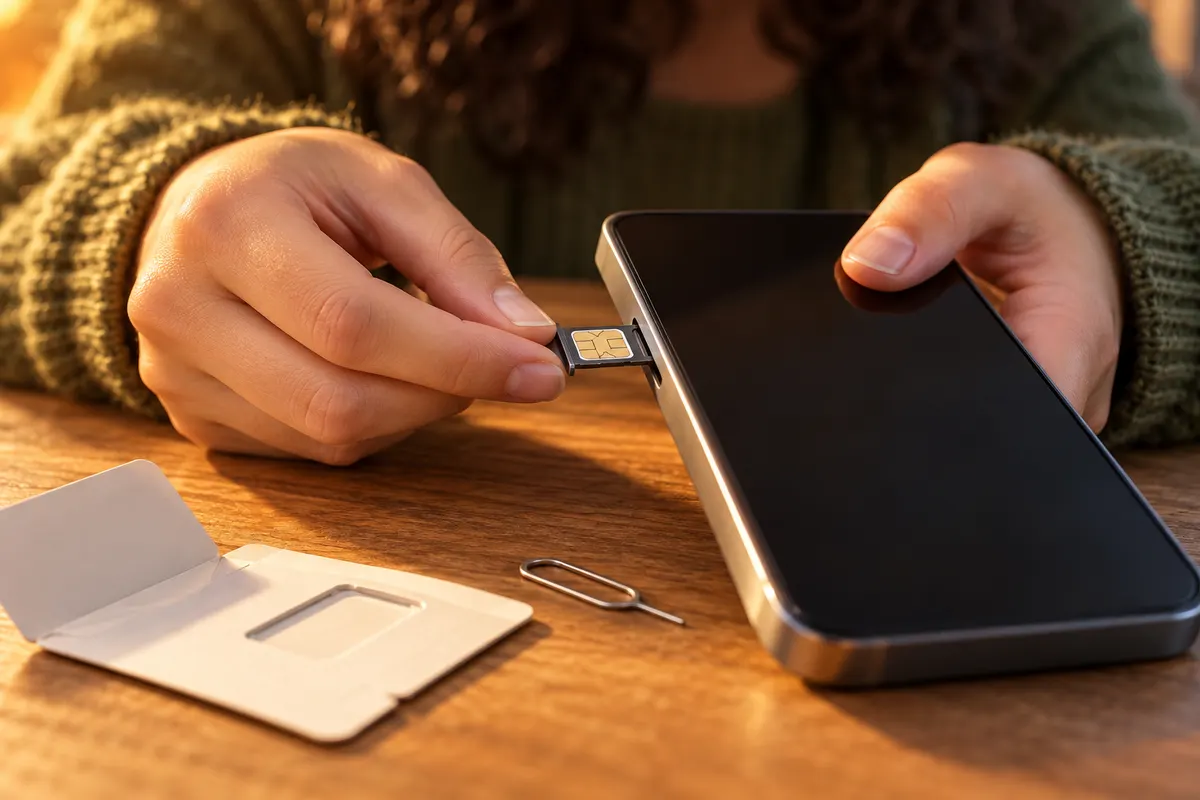



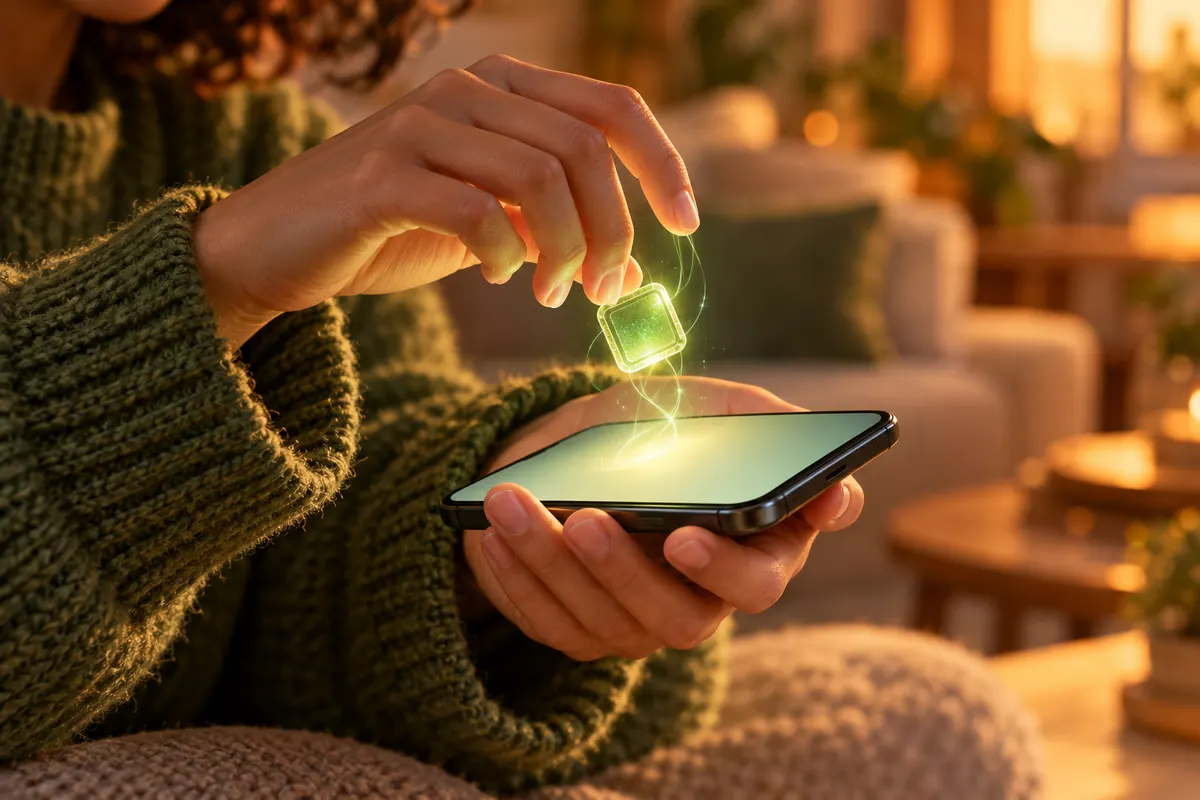
Check your phone
Your phone must be unlocked and run at least iOS 16 (Apple) or Android 9 (Samsung). You must be 18 or over with a Lidl Plus account. Take this route if your phone has no eSIM.
Lidl Ireland · checked 2026-10-10Step 1 of 7Hover over the phone to enlarge it. The screen shows the key points and the names Lidl has published, not screenshots of the Lidl Plus app. The person and places are illustrations.
The same route as the walk-through above; switching route changes both.

Your phone must be unlocked and run at least iOS 16 (Apple) or Android 9 (Samsung). You must be 18 or over with a Lidl Plus account. Take this route if your phone has no eSIM.

Physical Lidl Connect SIM cards are sold only in Lidl stores.
Lidl Ireland customer service · checked 2026-10-10
A one-off charge. The card only works once you activate it in the Lidl Plus app.

Open Lidl Connect and follow the three steps lidl.ie lists: choose your SIM, keep your number or get a new one, then install. To keep your number, enter it; bill pay customers also need the account number from their last bill.
Pay in Lidl Pay with a debit or credit card. If you keep your number, the contract starts only once the transfer completes.
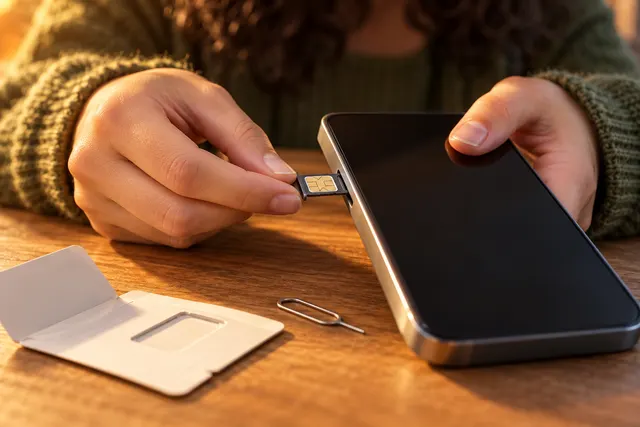
New number: insert it when the app tells you to. Keeping your number: leave the old SIM in to receive the security code; your old service keeps working during the transfer. Do not remove it until the app says the transfer is complete.

The Lidl Plus app notifies you when the transfer completes, then an email confirms you are fully active. Make a call, send a text and browse with WiFi off to check everything works.
Your phone must be unlocked, run at least iOS 16 (Apple) or Android 9 (Samsung), and support eSIM. Not sure? Use the phone check above, or look for an option to add an eSIM in your settings.

No store visit: the eSIM is free. Follow the same three steps, pay with Lidl Pay. Staying on WiFi while you install helps.

Lidl says the eSIM is ready to install only after your number transfer completes. Until then your number stays on the old SIM, which keeps working. With a new number you can skip this step.
Follow the app's install steps; your phone then shows its own confirmation screen. On a dual-SIM phone, set calls, texts and mobile data to Lidl Connect. If it will not install, Lidl suggests calling customer care.
The Lidl Plus app notifies you when the transfer completes, then an email confirms you are fully active.
Physical Lidl Connect SIM cards are sold only in Lidl stores in Ireland, for a one-off €0.99, and must then be activated in the Lidl Plus app. The eSIM is not sold anywhere: you get it free inside the app. Either way, the plan itself is bought and paid for only in the Lidl Plus app.
Choosing a SIM, keeping your number, paying with Lidl Pay and installing the eSIM all happen here. There is no separate Lidl Connect app. You must be 18 or over.
Only the physical SIM is bought in a store, for €0.99, and then activated in the app.
Follow the app first. If the eSIM will not install, Lidl suggests calling customer care on +353 1 9203010.
Lidl's help page says the physical SIM is "available exclusively in Lidl stores and must be activated via the Lidl Plus app". Lidl does not say how a store SIM is linked to your account, for example by a code or a scan; the app guides you through it.
There is no website sign-up: lidl.ie sends you to the Lidl Plus app, and payment goes through Lidl Pay with a debit or credit card. See how to sign up for every detail of the sign-up itself.
IrishSim collects nothing and cannot sign you up.
No. Lidl says physical SIMs are available exclusively in Lidl stores. If you would rather not go to a store, use the free eSIM, which you install from the Lidl Plus app.
A physical Lidl Connect SIM costs €0.99, a one-off charge. The eSIM is free, and 1GLOBAL's price list says there is no activation or connection fee. The monthly plan price is separate; see Lidl Connect.
The iPhone SE (3rd generation) supports eSIM and a nano-SIM. Apple lists the iPhone SE (2nd generation or earlier) as nano-SIM only, so with Lidl Connect those need the physical SIM. The 1st generation also cannot run iOS 16, which Lidl gives as its minimum.
Samsung UK lists the Galaxy S20 to S25 ranges, Z Fold4 to Fold7, Z Flip4 to Flip7, and the A56, A55, A36 and A35. It says the A26, A16 5G and A25 5G have eSIM only in North America or Japan, so the Irish versions take a physical SIM.
Yes. In the Lidl Plus app, on WiFi, use Change my SIM. Your previous SIM is deactivated automatically when the new one becomes active. To move to a physical SIM, buy one in a Lidl store first.
Every fact on this page comes from one of these sources. We opened each one on the date shown.